

Agent Skills, a concept originally introduced by Anthropic, are modular capabilities designed to expand Eigent’s core capabilities. Each Skill acts as a specialized package containing instructions, metadata, and optional tools (such as scripts or templates) that Eigent automatically triggers whenever relevant to a task.Documentation Index
Fetch the complete documentation index at: https://docs.eigent.ai/llms.txt
Use this file to discover all available pages before exploring further.
The Value of Using Skills
While traditional prompts act as one-off instructions for a single conversation, Skills are persistent, file-based assets that provide Eigent with deep, domain-specific expertise. By supplying tailored workflows, context, and best practices, Skills transform a general-purpose AI into a dedicated specialist. Because they load seamlessly on demand, you never have to waste time copy-pasting the same instructions across multiple chats. Key benefits:- Specialize Eigent: Tailor capabilities for domain-specific tasks
- Reduce repetition: Create once, use automatically
- Compose capabilities: Combine Skills to build complex workflows
Using Skills in Eigent
Eigent provides pre-built Agent Skills for common tasks, and you can create or upload your own custom Skills. Eigent automatically uses them when relevant to your request.- Example Skills: These are pre-built Agent Skills available to all users on Eigent. They operate seamlessly behind the scenes, and Eigent utilizes them without requiring any manual setup. You have the option to manually enable or disable it.
-
Custom Skills: These allow you to package your specific domain expertise and organizational knowledge. They are available across your Eigent workforce, and you can assign them to specific agents. You can create them directly within the Skill interface or add them via Eigent’s settings.
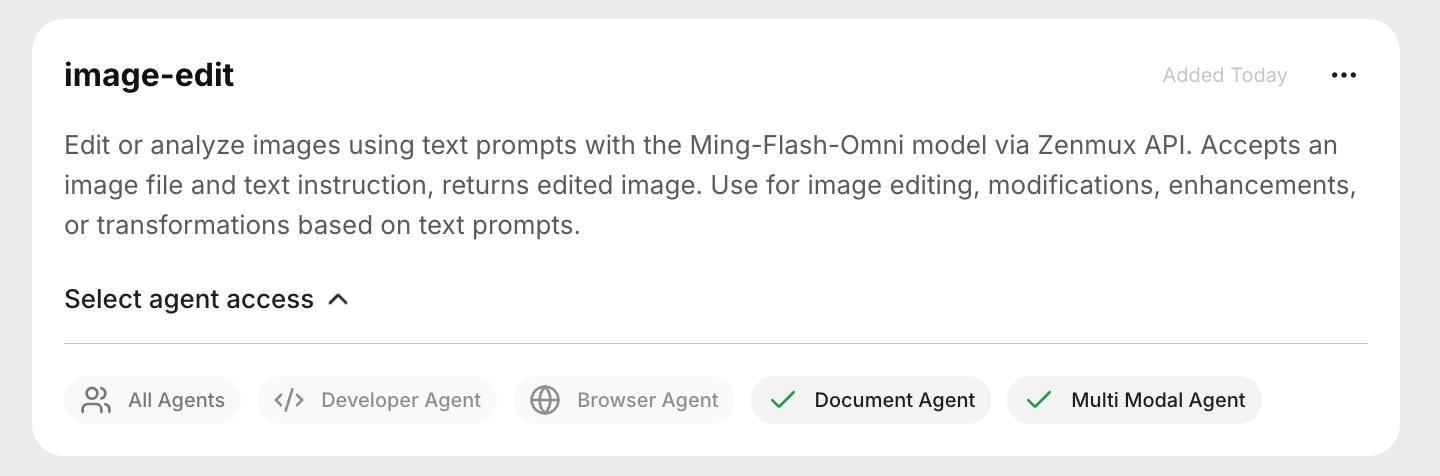
SKILL.md file or a complete .zip skill package. If uploading a package, it must contain a SKILL.md file in its root directory. In either case, the SKILL.md file must define the Skill’s name and description using YAML formatting.
Every Skill requires a SKILL.md file with YAML frontmatter: